Smart Video Phones vs Standard IP Phones: What Your Office Needs
Video calling moved from meeting rooms to individual desks faster than most businesses expected. By 2026, a growing share of office endpoints ship with a camera, a large touchscreen, and full support for HD video calls. That raises a fair question for anyone refreshing their phone system: do you invest in smart video phones, or do standard IP phones still make more sense?
The honest answer is that both have a place. This article breaks down the real differences so you can spend your budget where it actually improves how your team communicates.
What Makes a Video Phone “Smart”
A smart video phone is far more than a desk phone with a webcam bolted on. It runs a modern operating system, often Android-based, and treats video, apps, and voice as first-class features. You get a bright touchscreen, a wide-angle camera, and the ability to launch conferencing apps directly from the device.
That design removes friction. Instead of scrambling for a laptop and hunting for a meeting link, a user taps the screen and joins a face-to-face call in seconds. For executives and client-facing roles, that speed changes how often people choose video over a plain voice call.
The Rise of the All-in-One Desk Endpoint
Vendors increasingly build the phone as a hub. Bluetooth headset pairing, Wi-Fi, dual gigabit ports, and app support turn one device into a complete workstation companion. The flagship Fanvil V67 Flagship Smart Video Phone is a clear example of this category, combining a large adjustable display with high-definition video for demanding professional users.
Where Standard IP Phones Still Win
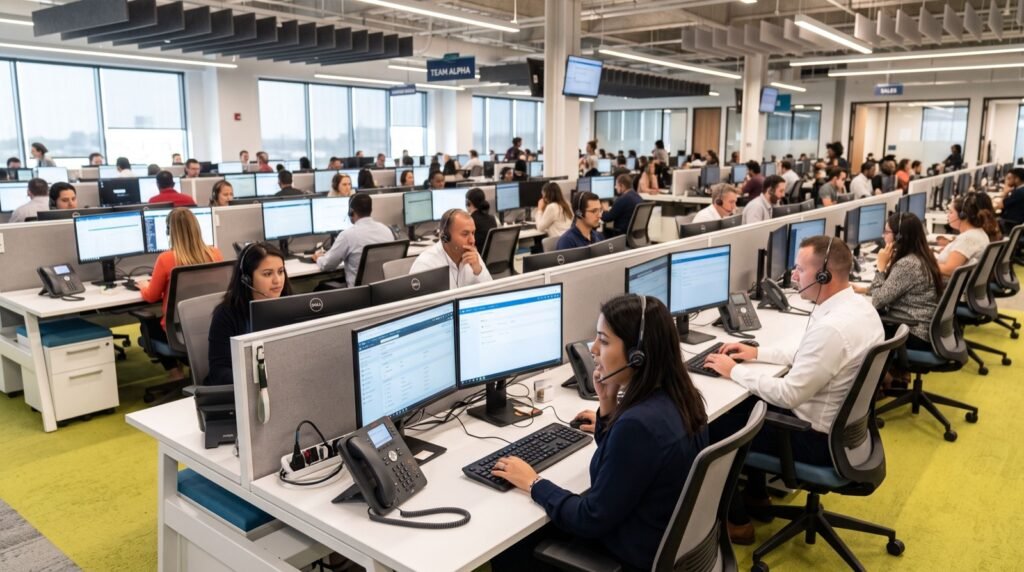
Not every desk needs video. For high-volume calling roles, a standard IP phone remains the smarter buy. It boots instantly, offers plenty of programmable line keys, and costs a fraction of a video model. Multiply that saving across a fifty-seat call centre and the numbers speak clearly.
- Lower cost per seat frees budget for headsets and licences.
- Fast, distraction-free interface suits agents handling many calls.
- Rugged simplicity means fewer support tickets over time.
- Long lifespan because there is less software to age out.
In short, standard phones excel where throughput and reliability matter more than a camera. The best deployments mix both types rather than forcing one model onto every desk.
Feature Comparison at a Glance
| Feature | Smart Video Phone | Standard IP Phone |
|---|---|---|
| Built-in camera | Yes, HD | Optional add-on |
| Display | Large touchscreen | Small colour or mono |
| App support | Yes | Limited |
| Typical cost | Higher | Lower |
| Best for | Executives, meetings | Agents, reception |
| Power draw | Higher | Lower |
Use this table as a starting filter. Map each role to a column, and the right device usually becomes obvious within minutes.
Do Not Forget Mobile Staff
Desk phones, smart or standard, only cover people who sit down. Teams with staff who move constantly need a third option. A portable handset like the Fanvil W610W keeps roaming workers reachable over Wi-Fi, filling the gap that neither desk category can cover.
Which Type Should Your Office Choose?
Start with a simple audit. Count how many people genuinely run video calls each week versus how many spend their day on voice-only calls. That single ratio tells you how many premium video endpoints you actually need.
Next, weigh network capacity. Video calls consume noticeably more bandwidth than voice. Industry guidance from the ITU Telecommunication Standardization Sector underpins the codecs these devices use, and modern video codecs like H.264 High Profile keep quality high while trimming data use. Even so, plan for extra uplink headroom before you deploy video widely.
Finally, think about the buying experience itself. Sourcing the right mix of hardware, testing compatibility, and configuring provisioning is easier with reputable service experts who understand both the devices and your call platform. The wrong pairing wastes money on features your staff never touch.
A Practical Rollout Approach
- Pilot a handful of video phones with power users first.
- Gather feedback on call quality and everyday usability.
- Standardise firmware and provisioning templates.
- Roll standard phones out to high-volume voice roles.
- Add portable handsets for mobile teams last.
Total Cost of Ownership Over Five Years
The sticker price of a phone tells only part of the story. Smart buyers look at total cost of ownership across the full lifecycle, because a cheaper device can cost more once you add support, power, and replacement cycles.
Smart video phones carry a higher upfront price, yet they can reduce spending elsewhere. When a video endpoint sits on every executive desk, teams book fewer external conferencing licences and travel less for face-to-face meetings. Those savings compound month after month.
Standard IP phones win on raw hardware cost and power efficiency. They draw less energy, need fewer firmware updates, and often outlast a video device because there is simply less software to age out. For a large voice-heavy floor, that longevity translates into real budget relief.
Factors That Shape the Real Bill
- Energy use: larger screens and cameras raise the annual power draw per desk.
- Support hours: feature-rich devices generate more configuration questions.
- Refresh cycle: premium endpoints tempt earlier upgrades as software evolves.
- Licence offsets: built-in video can retire separate conferencing subscriptions.
Run these numbers before you buy. A quick five-year projection often reshapes a purchase plan and stops a team from over-buying premium hardware that most desks never fully use.
Frequently Asked Questions
Are smart video phones worth the extra cost?
For roles that run frequent face-to-face meetings, yes. The time saved joining calls and the improved presence justify the price. For voice-heavy roles, a standard phone delivers better value.
Can a standard IP phone do video later?
Some models accept an external camera module, but the experience rarely matches a purpose-built video phone. If video is a core need, buy a dedicated device from the start.
How much bandwidth does a video phone call use?
A typical HD video call consumes between 1 and 2 Mbps in each direction, several times more than voice. Ensure your network has enough uplink capacity before deploying video at scale.
Do video phones work with standard SIP platforms?
Most do, since they follow SIP standards for signalling. Always confirm interoperability with your specific cloud or on-premise platform before ordering a large batch.
Final Verdict
There is no single winner in the smart video phones versus standard IP phones debate. The right office phone system blends both, plus portable handsets for mobile staff. Match each device to a real role, respect your bandwidth limits, and you get a communication setup that feels effortless. Take the audit step first in 2026, and let your team’s actual habits guide the spend.